This article covers conventional textile DTF, not UV DTF. “A3” and “60cm” are equipment categories to investigate, not complete specifications.
A3 vs 60cm DTF: Quick Comparison
| Question | A3-class equipment | 60cm-class equipment |
|---|---|---|
| What should you verify first? | Actual printable width, supported length, and media feeding | Actual usable width, margins, and complete line configuration |
| Artwork and layout | Check large designs and the number of designs that fit across | More potential space for nesting, subject to actual artwork and clearances |
| Order pattern | Evaluate for suitable sampling, focused products, or modest batches | Evaluate for regular transfer orders, mixed layouts, or expansion |
| Production | Output depends on mode, configuration, and finishing—not the label | Width alone does not establish accepted transfers or garments per shift |
| Workspace | Include curing, pressing, handling, and service access | Include the entire line, media storage, and operator access |
| Investment | Request the complete setup price | Request the complete setup price and demand assumptions |
| Maintenance | Follow the supplied system’s procedures | Follow the supplied system’s procedures |
1. What Does “A3 DTF Printer” Actually Mean?
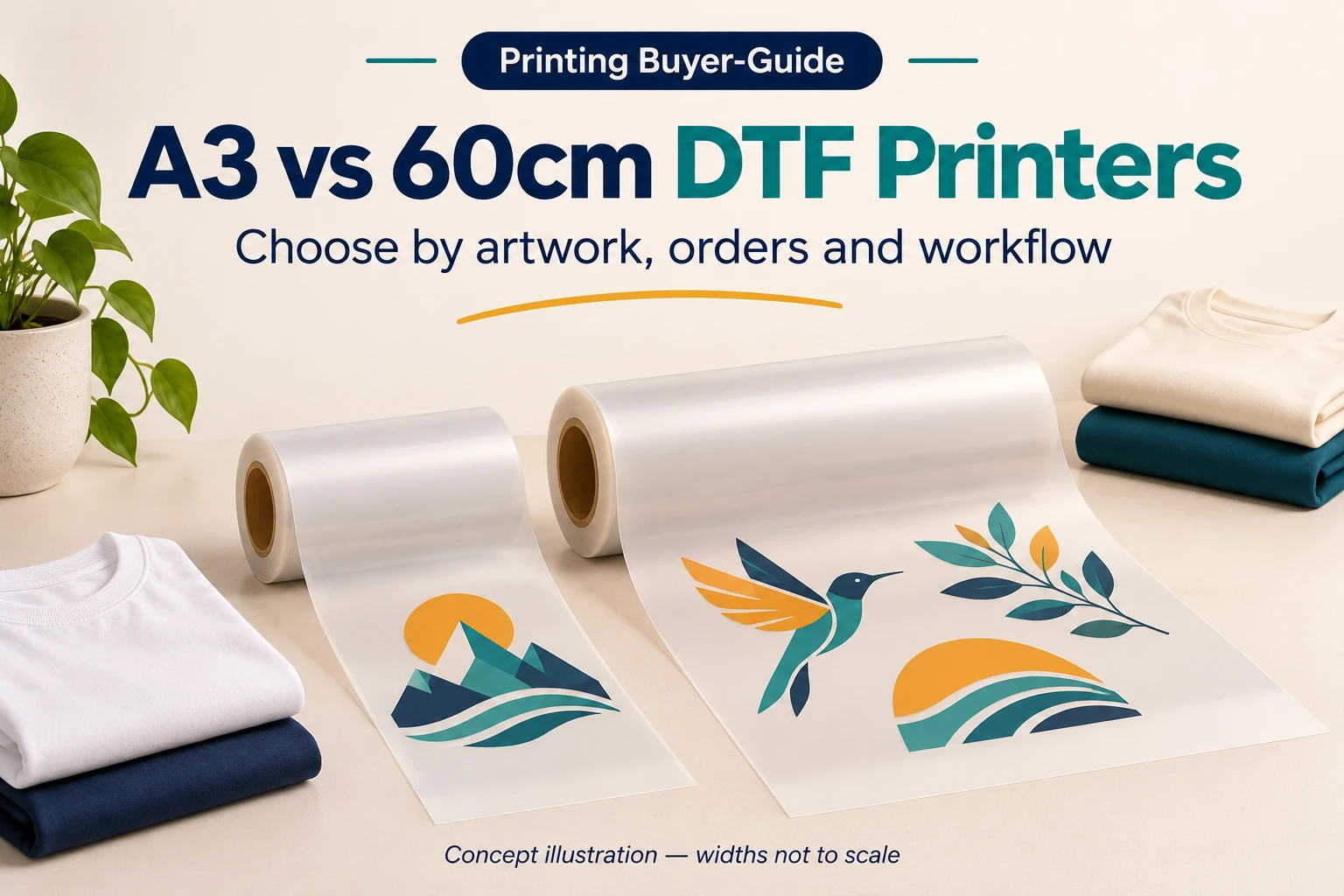
A3 is commonly associated with the 297 × 420mm paper format, but an “A3 DTF printer” product name does not guarantee that exact printable rectangle or sheet-only operation. Some machines marketed in this class use roll feeding. Check the usable width, maximum supported length, margins, and loading requirements.
Similarly, “60cm” may describe a nominal equipment or media-width class. Confirm usable printing width and supported film rather than planning to print edge-to-edge on every roll.
Everpro Print lists an A3-class DTF-01 and a DTF-U01 two-head configuration. Ask for the current configuration sheet and an artwork-layout check. Product names do not replace a signed specification.
2. Check Your Largest Designs Before Comparing Speed
List the artwork you sell most often, together with occasional larger designs. Record width, height, quantity and whether rotation is acceptable. Check the fit with required margins and spacing.
A hypothetical example illustrates the difference. Suppose usable width is 290mm on one setup and 580mm on another. A 260mm-wide design fits once across the first. Two such designs with a 10mm gap occupy 530mm, so they fit across the second, assuming the stated usable widths already account for edge margins.
This is a geometric example, not an Everpro specification or a speed claim. It does not show how many garments can be completed per hour. Other orientations or a different order mix may change the layout.
Do not enlarge or split artwork merely to force a favorable comparison unless that change is acceptable for the customer product.
3. Gang Sheets: Group Designs Without Losing Order Control
A DTF gang sheet groups several graphics into one print layout on a supported sheet or roll. It can combine repeated logos, garment-size variants, or different orders when the production settings are compatible. It is not exclusive to 60cm equipment: a suitably configured A3-class machine can also print grouped layouts within its usable area.
The benefit comes from organizing suitable work together, not simply from buying wider film. Leave the required clearances and cutting space, preserve approved artwork sizes, and keep an order map so that similar graphics do not get mixed during application.
Do not wait indefinitely to fill a wide layout if doing so misses the customer’s deadline. Compare saved film against scheduling, sorting and reprint costs. A film saving does not automatically create an equal percentage saving in ink or powder; coverage, setup and handling losses have different drivers.
Compare Layout Utilization, Not Just Roll Width
Wider media can create room for mixed artwork and repeated designs, but space is still consumed by film. A smaller order printed on a wider roll is not automatically more efficient.
For each candidate system, ask the supplier to nest the same representative order with the supported RIP and production clearances. Compare film length consumed, setup sections, cutting requirements, and the time needed to organize transfers.
Keep artwork coverage separate from media use. A design’s bounding rectangle is useful for placement; it does not measure ink consumption, and blank areas within a graphic do not automatically become available to another design.
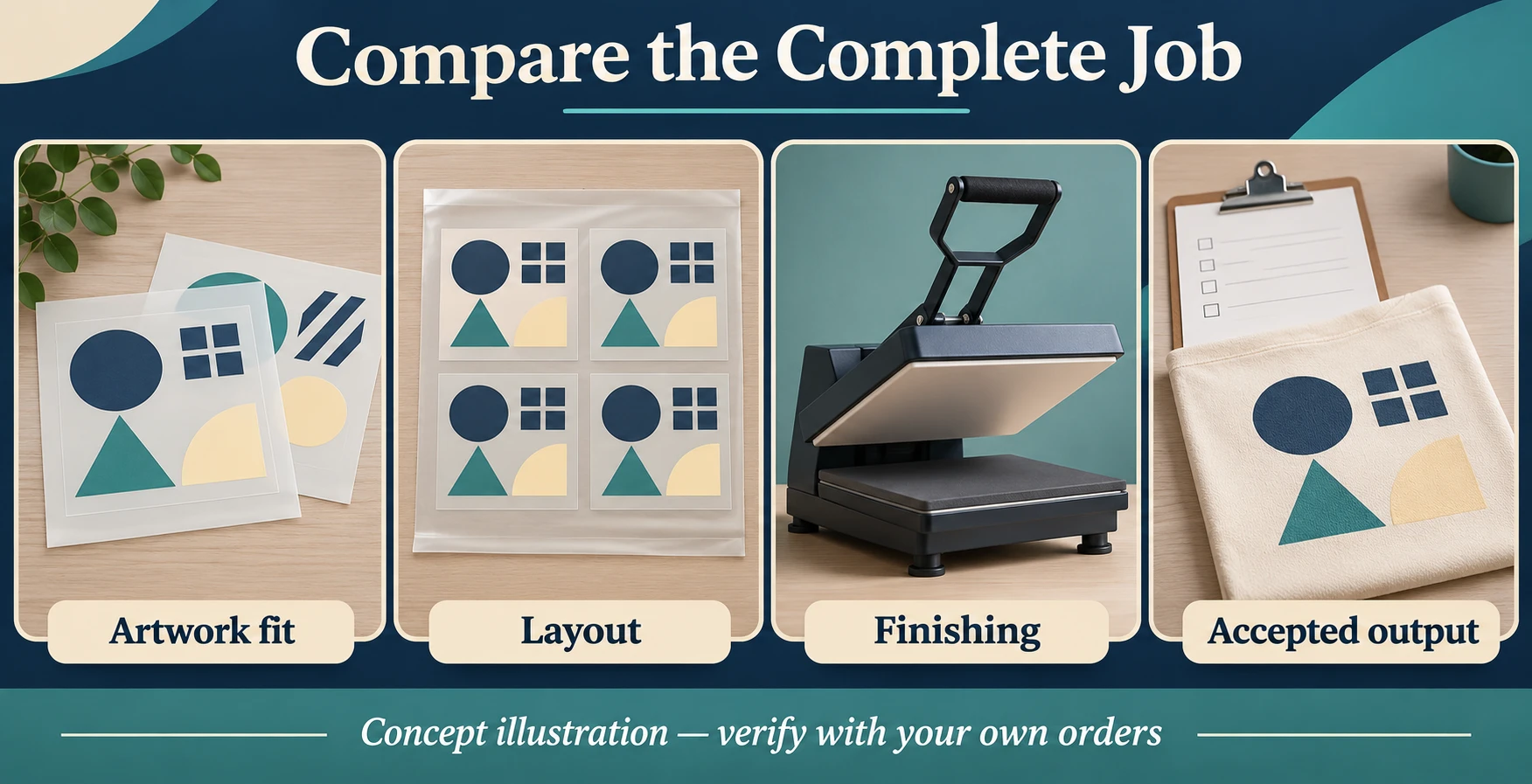
4. Will a 60cm Printer Produce Twice as Many Shirts?
Not necessarily. Printing width is only one part of throughput. Printhead configuration, production mode, white ink coverage, artwork, powdering, curing, and operator handling all matter.
For finished garments, add cutting, sorting, placement, pressing, peeling, and inspection. If the heat press or operators are already fully occupied, a faster film printer can simply create a queue of unapplied transfers.
For transfer-only sales, pressing is not the daily customer-delivery step, but packing, quality checks, and application validation still require planning.

Compare accepted output over a representative job or shift, with the same quality standard. Ask the demonstration to include startup checks, layout preparation, cleaning, and job changes—not only a short best-case print run.
5. Budget for the Entire Setup
Compare printer, matched powdering and curing equipment, heat press where needed, software, computer, starter consumables, installation and training. Confirm power, workspace, and any specified extraction or ventilation requirements.
Include cleaning materials, service items, labor, and rejects in operating costs. Keep initial equipment spending separate from recurring costs and avoid counting equipment purchase and depreciation twice.
Neither compact size nor automatic cleaning means maintenance-free operation. Request the actual maintenance checklist, approved idle procedure, and consumable availability.
Epson’s DTF film guide illustrates the need to match film, powder, and finishing instructions. Its model-specific procedures do not establish settings for Everpro equipment.

Actual product image: EP-E01 heat press. Check application capacity alongside film-printing capacity.
6. When Should You Evaluate Each Option?
Evaluate A3-class equipment when:
- Your saleable artwork fits the confirmed usable area.
- Representative orders can be finished within the required turnaround.
- The complete system fits your workspace and maintenance capability.
- A larger line would add capacity without sufficiently established demand.
Evaluate a 60cm-class setup when:
- Actual larger designs or mixed-order layouts benefit from its usable width.
- Regular orders support the extra capacity and associated commitments.
- Finishing equipment and staffing can process the additional output.
- The supplier can demonstrate your jobs in an agreed production mode.
These are evaluation conditions, not universal daily-order thresholds. A business selling small logos and one producing large back graphics cannot use the same “shirts per day” rule without defining the work.
Three Evidence-Based Upgrade Signals
- Artwork fit: records show recurring paid work that cannot fit the confirmed usable area without unacceptable changes.
- Print-stage backlog: timing shows that printing—not curing, pressing, or staffing—is the persistent constraint.
- Repeat demand: regular orders can use the additional capability, with room for quiet periods and planned maintenance.
Before upgrading, compare an improved layout, a change to finishing or staffing, and outsourcing occasional peaks. Choose the intervention that addresses the measured constraint. No universal shirts-per-day threshold can cover every artwork size and workflow.
7. A Buyer’s Comparison Sheet
Before accepting a recommendation, record:
- Actual usable width, supported length and media format.
- Your largest artwork and a representative mixed order.
- Film consumed and proposed layout in the supported RIP.
- Print mode, white-layer settings and sample acceptance criteria.
- Powdering, curing and application arrangements.
- Complete job time, operator count and accepted output.
- Installed footprint, service access and utilities.
- Itemized supply scope, maintenance and support terms.
Keep the approved sample, layout file, and job record. If your product mix changes, reassess the decision using the new orders rather than the original idealized example.
Discuss Your DTF Configuration with Everpro Print
Explore the Everpro Print DTF range, then send artwork dimensions, typical quantities, desired turnaround, garment details, workspace and destination country to sales01@everproprint.com.
Ask for an artwork-fit check, sample run, and itemized configuration. Choose the system that can deliver your acceptable orders reliably—not simply the widest machine available.
Frequently Asked Questions
Is an A3 DTF printer always sheet-fed?
No. Verify the exact feeding format and supported length for the model being offered.
Does a 60cm printer always use less film per design?
No. Utilization depends on artwork, spacing, rotation, and the orders combined in the layout.
Should beginners always choose the smaller printer?
No. Beginners still need equipment that fits their actual work and operating capability. Outsourcing can also be compared when demand is uncertain.
Is 60cm always better for quality?
No. Width does not define color, edge detail, or transfer performance. Compare approved samples in the intended production mode.
When should I upgrade?
When records show that width or printing capacity is a real constraint, and the business can support the complete investment and finishing workload. Confirm that upgrading addresses the actual bottleneck.