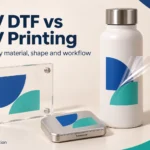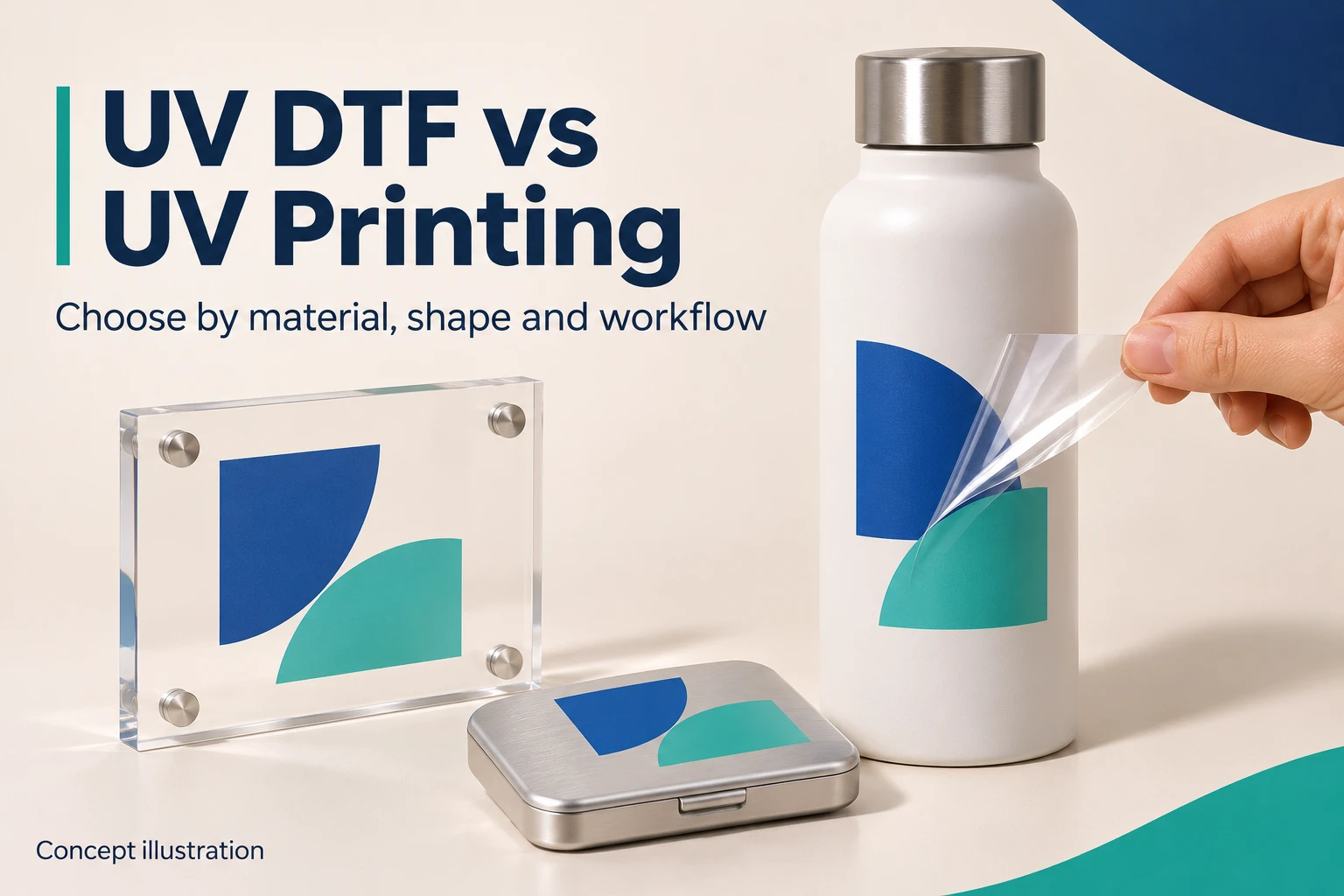
UV DTF and direct UV printing can both decorate suitable objects with colorful graphics. Their main difference is where printing happens: UV DTF prints onto a matched film system before application; direct UV printing deposits ink onto the object itself.
Evaluate UV DTF when varied shapes or difficult loading make direct printing inconvenient. Evaluate direct UV when objects can be positioned consistently, and the required finish can be produced with a supported ink and material combination. Neither method is suitable for every surface.
In this guide, “UV printing” means direct-to-object UV printing, primarily on flatbed equipment. UV DTF also uses UV-curable ink, so the two terms are not completely separate technology categories.
UV DTF vs Direct UV Printing at a Glance
| Factor | UV DTF | Direct UV printing |
|---|---|---|
| Print location | On supported transfer media | On the prepared object |
| Object handling | Position and apply a prepared graphic | Load, fixture and position the object for printing |
| Shape considerations | Can help with selected curved or awkward objects; contact and application access still matter | Depends on bed access, head clearance, surface geometry and supported fixtures or rotary options |
| Material performance | Adhesive, surface coating, ink and use conditions need validation | Ink, surface preparation, any primer and curing need validation |
| Main supporting items | Matched film system, any required lamination and application tools | Suitable fixtures, preparation tools and optional attachments where supported |
| Production consideration | Transfers may be prepared separately, but application adds handling | Repeatable loading can suit consistent objects; setup matters for mixed orders |
| Key cost question | How much does each acceptable applied transfer cost? | How much does each acceptable printed object cost? |
Three Questions to Answer Before Comparing Machines
- Can you hold and position the actual item consistently? Check the intended print area, not just whether the object fits on the bed. Handles, taper, seams and raised edges can change the answer.
- Can the selected decoration meet its end use? A successful application is only the first check. Define cleaning, handling, exposure and edge-quality requirements before approving a process.
- Where is the handling bottleneck? Time one complete representative batch, including fixture changes or transfer alignment. Fewer named steps do not necessarily mean more accepted items per shift.
Use these questions to narrow the route, then compare configuration and cost. They prevent a generic material list or printer speed from deciding the purchase for you.
1. What Is UV DTF Printing?
UV DTF is a transfer route for object decoration. A graphic is printed and UV-cured on supported media, combined with its application film as instructed, then positioned and transferred to a suitable surface. The carrier is removed according to the media procedure. The removable carrier is not the permanent decoration; the intended graphic and bonding layers remain on the object. Do not confuse this with an ordinary rectangular printed label.
Mimaki’s UV DTF introduction describes a glued film and transfer sheet. Film construction and the printing/lamination arrangement depend on the system; do not assume that every A/B film pair works with every ink or printer.
The ability to inspect a graphic before applying it can separate print rejection from object decoration. It does not eliminate mistakes: poor alignment, incomplete transfer or unsuitable adhesion can still damage or spoil the item.

Actual product image: Everpro Print UV-DTFU01. Confirm compatible media, supplied configuration and included accessories.
2. What Is Direct UV Printing?
A direct UV printer applies supported ink to an object and cures the ink using its UV system. Preparation, artwork, positioning, print layers and inspection form part of the job.
A flatbed can be useful for suitable panels, cases and other objects that can be loaded safely and consistently. Some models offer cylindrical printing with an appropriate attachment, but object diameter, shape, rotation and usable print area must be confirmed.
“Curved object” does not automatically mean UV DTF is the only option. Equally, a rotary attachment does not make every bottle printable.

Actual product image: Everpro Print UV-U01. The catalogue image is not proof that all fixtures or rotary options are included.
3. How Do the Workflows Compare?
UV DTF workflow
- Prepare the artwork and supported white/clear layers.
- Print and UV-cure using the approved ink/media configuration.
- Complete any required application-film or lamination stage.
- Prepare the object’s surface and position the graphic.
- Apply the specified pressure and remove the carrier as instructed.
- Inspect the result and observe any specified waiting period before use or testing.
Direct UV workflow
- Check the object and complete supported cleaning or surface treatment.
- Load it with appropriate positioning and safe clearance.
- Prepare the image, registration, and supported ink layers.
- Print and UV-cure in the approved mode.
- Inspect appearance, curing and the agreed application performance.
UV curing establishes the printed ink layer; it does not by itself prove adhesion of a transferred graphic to the final object. Surface preparation, the matched adhesive and correct application remain separate checks.
Some transfer systems use heat-assisted lamination during media preparation. That is different from assuming a garment-style heat press is needed to apply every UV DTF graphic. Follow the actual system instructions.

4. Choose by Surface and Shape, Not the Material Name Alone
| Object or surface | What to test |
|---|---|
| Glass, acrylic and coated metal | Exact finish, cleanliness, adhesion, visual expectations and cleaning conditions |
| Plastic cases and components | Polymer and coating; different plastics can behave differently even when they look alike |
| Cylindrical bottles and containers | Curvature, seams, taper, application area and supported rotary or transfer handling |
| Textured, flexible or coated surfaces | Actual contact area, movement, edge behavior and treatment compatibility |
| Large or already assembled items | Access for application, safe handling and whether direct-print loading is practical |
UV DTF may help when an object will not fit a printer bed, but the transfer still needs suitable contact with the surface. Tight compound curves, recesses, rough textures and flexible items should not be approved from a flat sample alone.
For direct UV printing, an ink may need a supported primer or treatment on a particular substrate. A primer is not a universal fix and should not be substituted without a compatible procedure.
5. Compare Appearance and Durability Using a Sample Plan
White and clear layers can affect opacity, texture, gloss and perceived depth. Both the design and the supported equipment configuration matter. Do not assume that a glossy or raised appearance proves a more durable result.
Give the supplier a representative object and artwork containing small text, fine details, solid colors and the intended edge shapes. Test the actual placement rather than an easier flat section elsewhere on the item.
Agree on checks for appearance, edge adhesion, rubbing, the intended cleaning method and relevant exposure conditions. Record the media or ink batch, preparation, print mode and elapsed time before evaluation.
Roland DGA’s MO-series information explicitly calls for material testing and gives care guidance for its own transfer configuration. Such instructions cannot be generalized to every UV DTF system. Do not label a product dishwasher-safe, outdoor-rated or scratch-proof without suitable evidence.
Food-contact, mouth-contact and other special end uses require their own documented suitability assessment; this article does not establish approval for them.

A Sample Approval Brief You Can Send to a Supplier
Record the object supplier and batch, material and coating, dimensions, intended decoration area and artwork version. Ask the supplier to identify the ink, media, preparation, and print mode used.
Agree in advance which appearance and use checks matter, who performs them, when they are evaluated and what constitutes acceptance. Keep a physical approved sample and its job record. If the substrate or consumable changes, reassess whether that approval still applies.
This creates a purchasing reference that a generic “works on glass” statement cannot provide. It is not a substitute for a formal test method where one is required.
6. Compare Costs Across the Finished Job
UV DTF costs can include print and application films, ink, lamination, layout waste, cutting, transfer labor, preparation, cleaning, and rejected items. Direct UV costs can include ink, fixtures, preparation or primer, loading, cleaning, setup, and rejected objects.
Both require equipment, software, maintenance, utilities, and trained operators. Film printing speed alone does not establish applied-item output; direct printing speed alone does not include loading or changeovers.
Use a consistent calculation:
Operating cost per acceptable decorated item = Relevant job operating cost ÷ Accepted finished items
Include the same scope for both methods. If one estimate includes the object blank and the other does not, they are not comparable. Keep initial equipment cash requirements separate from operating costs and avoid counting purchase cost and depreciation twice.
7. UV DTF Is Not Textile DTF
Conventional textile DTF uses a matched pigment-ink, film, and hot-melt powder workflow followed by garment heat application. UV DTF object transfers use a different ink, media, and application system.
Do not add textile powder, swap inks, or treat a UV DTF object transfer as a general T-shirt-printing process. Specialist products can have their own supported uses, but those do not establish universal interchangeability.
Some compatible direct UV machines can also print supported UV DTF media. Roland DGA describes such a configuration, but this does not mean any UV printer can do both. Confirm compatibility and media handling for the exact machine.
8. Which Option Should You Evaluate First?
| Your order pattern | Start by evaluating | Confirm before buying |
|---|---|---|
| Mixed gifts and awkward-to-load objects | UV DTF | Surface contact, alignment, edge quality and application time |
| Repeatable flat products and stable batches | Direct UV | Fixtures, registration, print mode and complete batch output |
| Cylindrical products | Both routes, including any supported rotary option | Actual shape, dimensions, artwork coverage and sample performance |
| Transfer supply to other decorators | UV DTF | Packaging, storage, customer instructions and supported application conditions |
| Existing production with a specific bottleneck | The route that addresses it | Staffing, loading/application, changeovers and acceptable output |
A small business should compare outsourced decoration as well as ownership when demand is uncertain. An established manufacturer should request a representative acceptance demonstration rather than relying on generic production claims.
Discuss Your Application with Everpro Print
Review Everpro Print’s UV printer range and UV DTF range. The UV-U01 and UV-DTFU01 are equipment examples, not a guarantee that every material or optional feature is supported.
Send the material and finish, item photos and dimensions, artwork, target placement, typical order quantity, cleaning or exposure needs and destination country to sales01@everproprint.com. Ask for a sample-based recommendation and an itemized configuration.
Frequently Asked Questions
Is UV DTF better than direct UV printing?
Not in every application. Compare the actual surface, object geometry, finish, handling and accepted output.
Does UV DTF need a heat press?
Many object-transfer workflows use pressure application, while media preparation may involve specified lamination conditions. Do not apply a universal heat rule; follow the matched system.
Can UV DTF stick to any plastic?
No universal compatibility claim is appropriate. Polymer, coatings, texture, movement, and use conditions all need verification.
Can direct UV print bottles?
Some configurations support appropriate cylindrical objects. Confirm the rotary option, shape, dimensions, print area, and sample result.
Is UV DTF waterproof or dishwasher-safe?
Those are end-use performance claims. A cured graphic or successful application does not prove them; request evidence for the exact material and process.
Can one machine handle direct UV and UV DTF?
Some supported configurations can. Verify ink, media, film handling, and accessories before assuming dual use.